

























Secure Data Recovery Services Logo
Services
hard drive icon
Hard Drive
Phone icon
Phone
raid icon
RAID
Ransomware
Locations
About Us
Contact Us
phone logo
800-388-1266
Pin Icon
Locations
Icon
How It Works
Blog
Icon
Sign In
Request Free QuoteArrow Icon
Secure Data Recovery Services Logo
Services
MacSD CardFlash DriveTapeDigital ForensicsEmergency ServicesView All Services
Hard Drive
DesktopLaptopExternal Hard DriveSSDEncryptedDVRHard Drive Repair
Phone
iPhoneAndroid
RAID
RAID 5NASServerDatabaseSANVirtualization
Ransomware
About
CertificationsWhy Choose UsHow It WorksReviewsLocationsContact Us
800-388-1266
  • Home
    >
  • Blog
    >
  • How to Guides
Categories:
Data Storage Technology
Customer Success Stories
Data Recovery Knowledge Base
Data Loss Prevention
Data Security & Privacy
News & Press
How to Guides
How to Guides
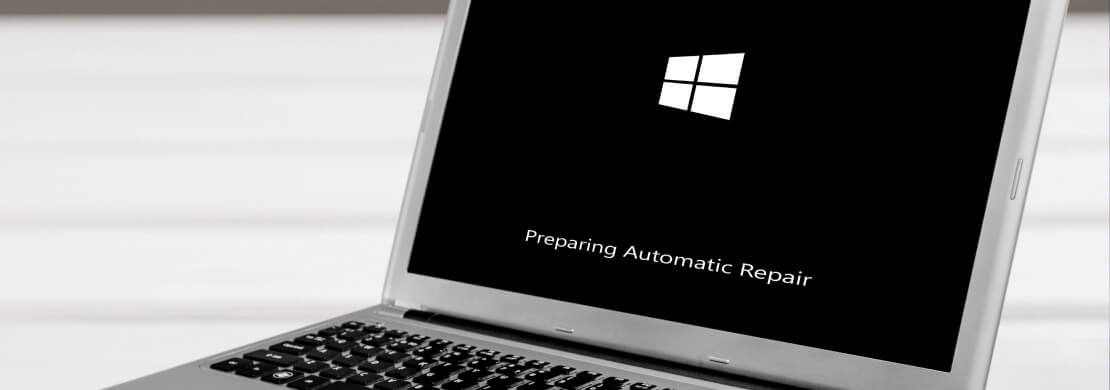
Preparing Automatic Repair
How to Guides
Transfer Photos From iPhone to Computer
How to Guides
How To Dispose of Hard Drives
How to Guides
How To Fix Black Screen on iPhone
How to Guides
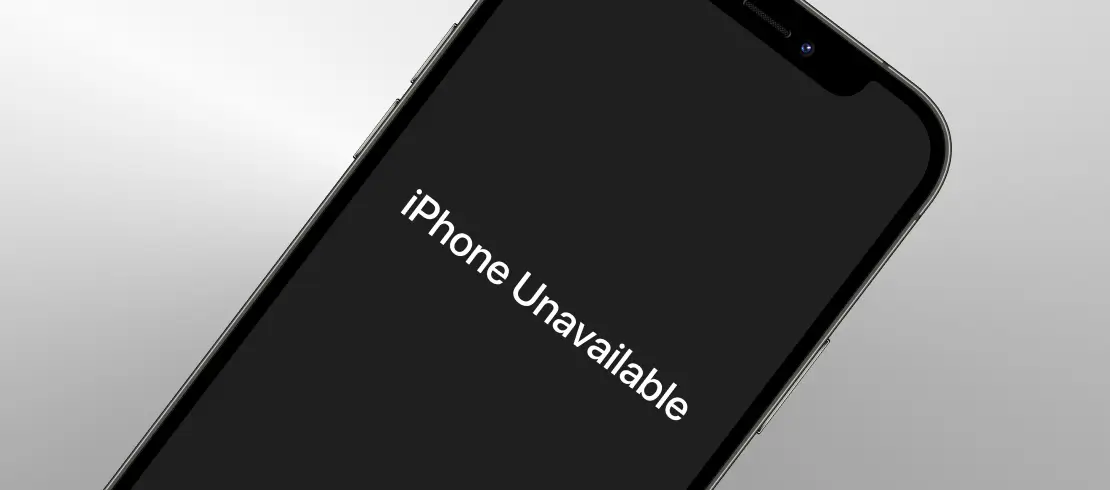
iPhone Unavailable: How To Fix Locked Device
How to Guides
External Hard Drive Not Showing Up on Mac
How to Guides
How To Fix External Hard Drive Not Showing Up
How to Guides
How To Fix Mac Not Recognizing WD External Hard Drive
How to Guides
How To Repair Corrupted exFAT Partition on macOS
How to Guides
How to Fix WHEA_UNCORRECTABLE_ERROR
How to Guides
How to Fix a Raw Drive Without Formatting
How to Guides
iPhone White Screen: What Causes It and How to Fix It
How to Guides
How to Fix Hard Drive Short DST Check Failed
How to Guides
How to Fix I/O Device Error Detected
How to Guides
How to Recover Files from an SD Card on Mac
How to Guides
How To Disable Copilot on Windows 11 and 10 [2025]
How to Guides
How to Fix an iPhone That Keeps Restarting
How to Guides
How To Recover Large Files Marked as 0 Bytes
How to Guides
Failed Windows 11 Update: Outlining the Next Steps
How to Guides
How To Recover Data After a Power Surge or Outage
How to Guides
How To Downgrade to Windows 10: Step-by-Step Guide
How to Guides
Fix Windows Bootrec /Fixboot "Access is Denied" Error
How to Guides
USB Device Not Recognized? Common Causes & Solutions
How to Guides
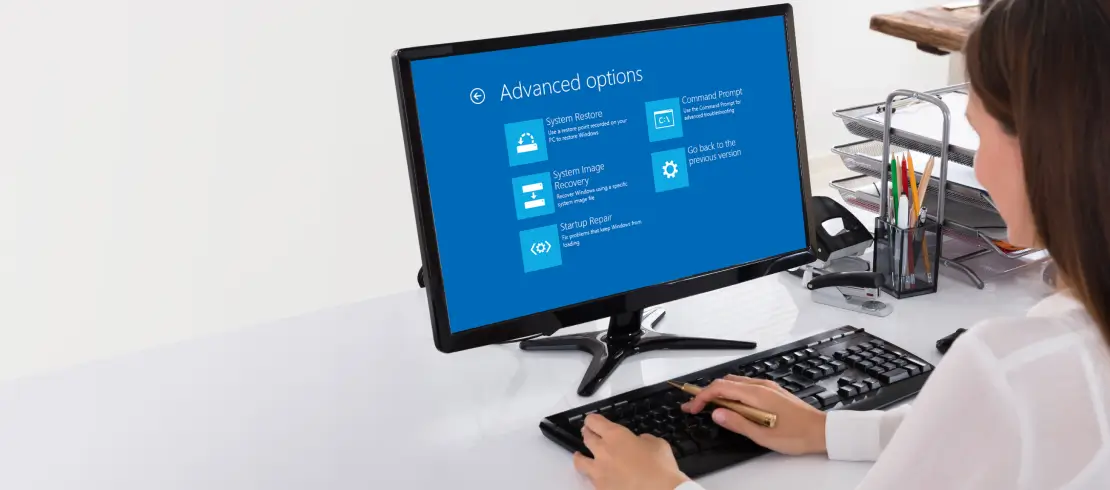
Windows 10 Startup Repair: When, Why and How to Use It
How to Guides
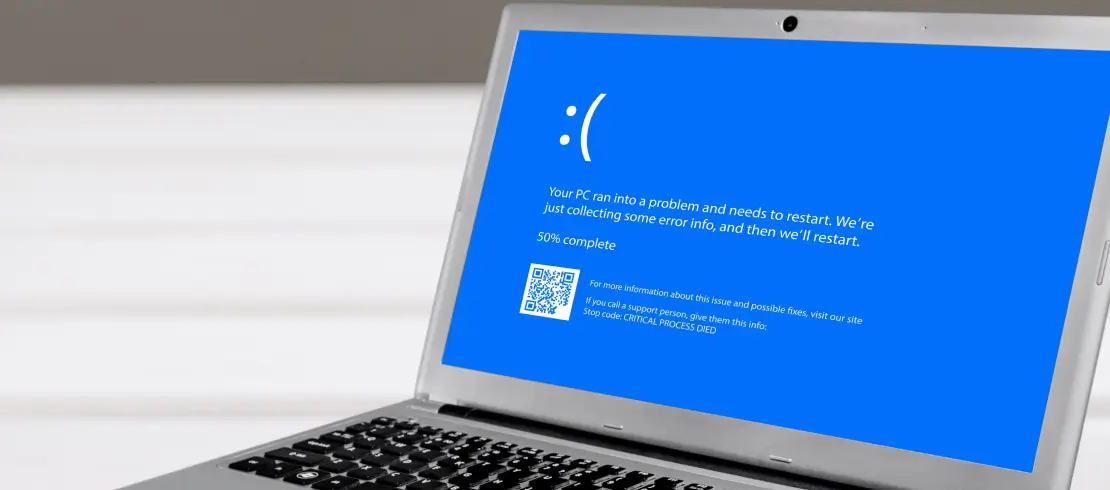
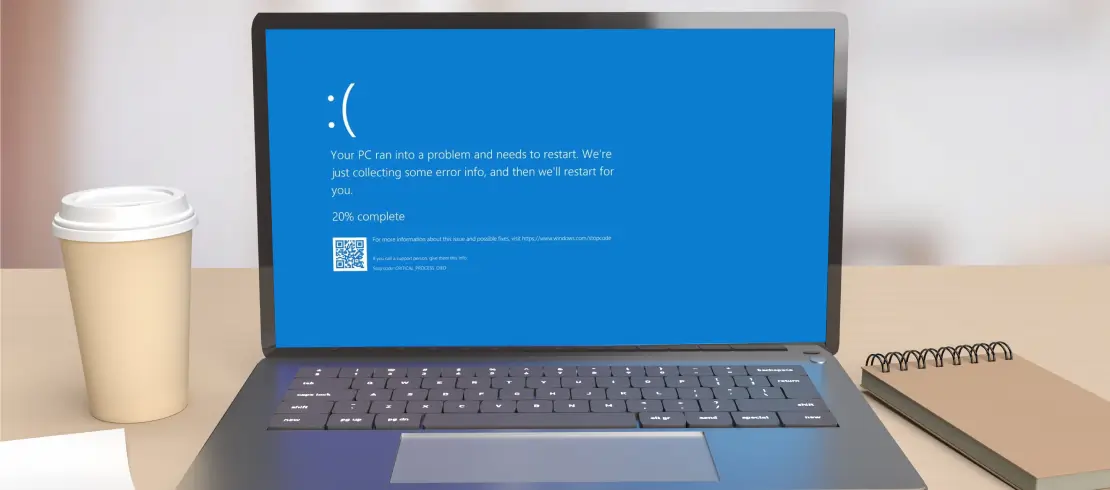
How To Fix a Blue Screen of Death (BSOD) on Windows PC
How to Guides
How To Put iPhone in Recovery Mode
How to Guides
How to Start Windows 10/11 in Safe Mode
How to Guides
What To Do If Your USB Flash Drive Is Not Showing Up
How to Guides
8 Solutions if Your PC Turns On but There's No Display
How to Guides
Asus Laptop Won't Turn On? Common Causes & Fixes
How to Guides
Error 0x80070057 in Windows: Common Causes & Solutions
How to Guides
Why Does My Computer Keep Freezing? Causes & Fixes
How to Guides
How to Fix a MacBook Screen That's Black, But Still Running
How to Guides
Fixes for Folder with a Question Mark on Mac
How to Guides
6 Fixes for "The File or Directory Is Corrupted and Unreadable" Error
How to Guides
Toshiba Errors: What They Mean and How To Fix Them
How to Guides
Hard Drive Maintenance: How To Avoid Damage and Failure
How to Guides
How To Choose the Right RAID Configuration
How to Guides
How To Fix a Water-Damaged iPhone or iPad
How to Guides
How To Fix iPhone Error 4013
How to Guides
Samsung Errors: What They Mean & How to Fix Them
How to Guides
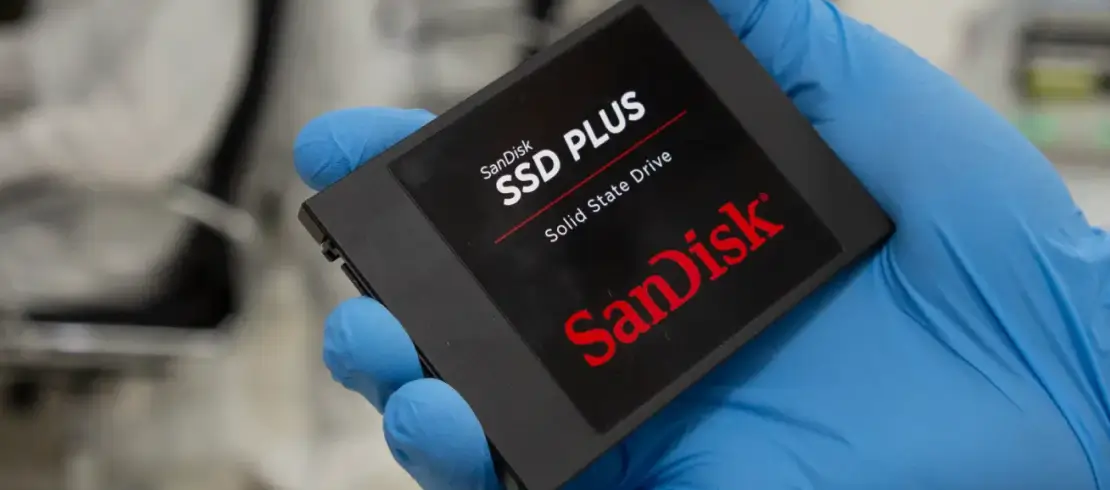
SanDisk Errors: What They Mean & How to Fix Them
How to Guides
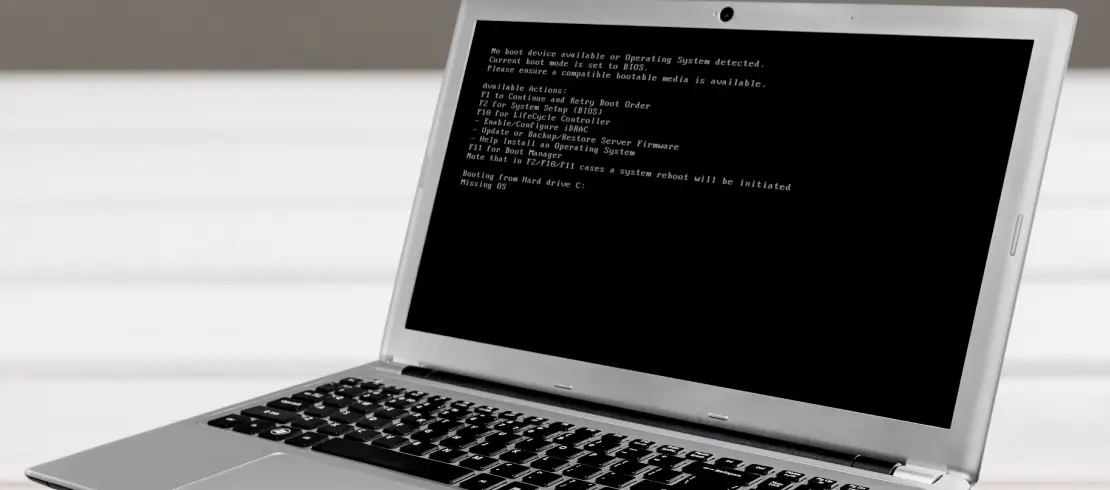
5 Steps to Fixing 'no boot device found' Error
How to Guides
How to Restore an iPhone From a Backup
How to Guides
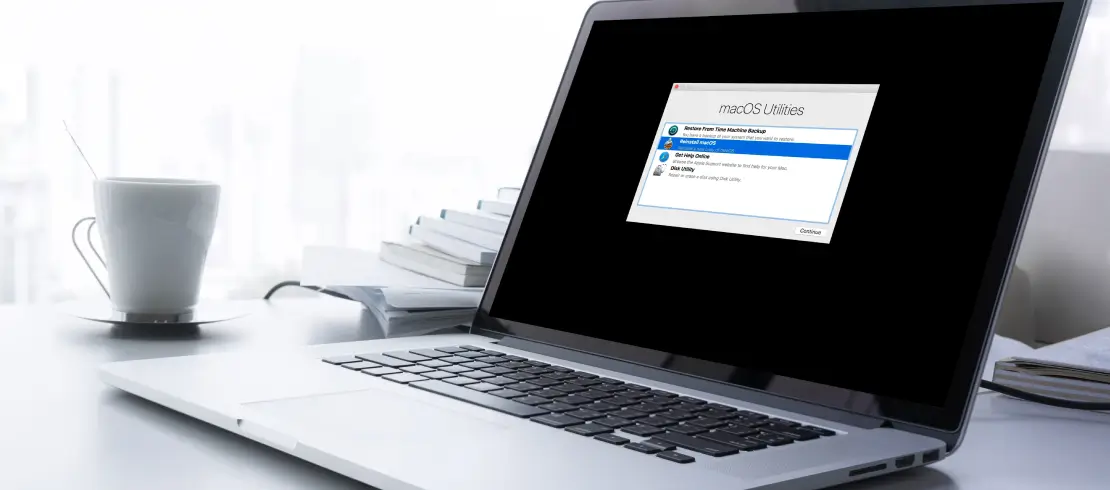
Mac Recovery Mode: How To Use macOS Recovery
How to Guides
A Guide To Safely Delete System Data on Your iPhone
How to Guides
How To Backup and Restore Windows 11
How to Guides
How to Backup and Restore Windows 10
How to Guides
What To Do if Your Lenovo Laptop Won't Turn On
How to Guides
Western Digital Errors: What They Mean and How To Fix Them
How to Guides
Seagate Errors: What They Mean and How To Fix Them
How to Guides
Step By Step Guide on Formatting Your Hard Drive for Mac
How to Guides
Improving Backups for Personal or Professional Home Users
How to Guides
Formatting Your Hard Drive for Windows
How to Guides
How To Restore From Samsung Smart Switch Backup
How to Guides
How To Fix SSD Not Showing Up
How to Guides
How To Restore From iTunes Backup
How to Guides
What To Do if Your HP Laptop Won't Turn On
How to Guides
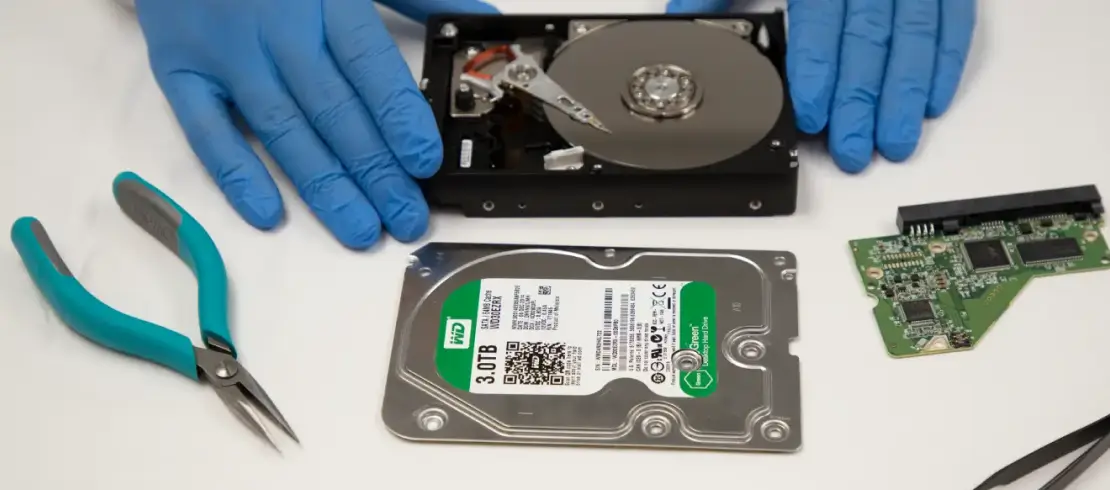
How To Recover Data And Backup A Hard Drive
How to Guides
What To Do When Your Manager Asks for Details on a Computer Crash
How to Guides
How To Maximize the Life of Your Hard Drive
How to Guides
How To Recover Deleted Videos
How to Guides
How to Remove Hard Drive From Laptop
How to Guides
Seagate External Hard Drive Not Working? Here's How to Fix It
How to Guides
Recover Deleted Data From Windows XP Hard Drive
How to Guides
Why Does Your Computer Keep Crashing? Common Issues & Solutions
How to Guides
How To Recover Deleted Files From iPhones [2025]
How to Guides
How to Troubleshoot a Dell Laptop That Won't Turn On
How to Guides
How to Fix "Reboot and Select Proper Boot Device" for Windows

Ready to talk?

Our core value is to support you in every way possible. Whether it’s answering your questions, setting up a case for your failed media, or sharing as much information as we can about the data recovery process - even if you decide not to use our services.

If you’re experiencing data loss, don’t hesitate to reach out to us right now.

Talk To an Expert
Data Recovery ServicesHard DriveSolid State Drive (SSD)MaciPhoneFlash DriveNASRAIDComputer ForensicsRansomwareData Destruction
ManufacturersWestern DigitalSandiskSeagateToshibaHitachiAppleSamsungDell
About UsCertificationsReviewsSuccess StoriesLocationsCleanroom LabContact Us
ResourcesFree Data Recovery SoftwareFreeUndelete Tool For WindowsHow-To ArticlesEncrypted Flash DrivesEncrypted External DrivesMy AccountBlog
Secure Data Recovery USA
USA - English
Secure Data Recovery UK
UK - English
Mexico - Spanish
Canadian Flag
Canada - English
PrivacyLegalTermsSitemap
facebook logolinkedin logox logoarrow logoInstagram logo

Ready to talk?

Our core value is to support you in every way possible. Whether it’s answering your questions, setting up a case for your failed media, or sharing as much information as we can about the data recovery process - even if you decide not to use our services.

If you’re experiencing data loss, don’t hesitate to reach out to us right now.

Talk To an Expert
Data Recovery ServicesManufacturers
About UsResources
BlogReviews
My Account
Secure Data Recovery USA
USA - English
Secure Data Recovery UK
UK - English
Mexico - Spanish
Canadian Flag
Canada - English
PrivacyLegalTermsSitemap
facebook logolinkedin logox logoarrow logoInstagram logo